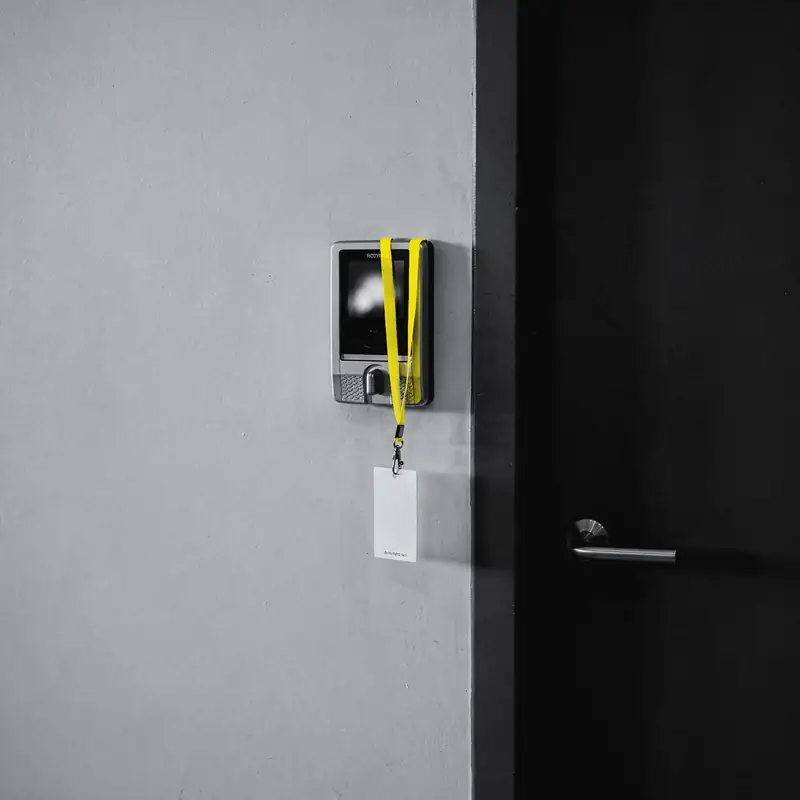
The front door is the sign-in, not the office key.
In a firm with no office, offboarding is not a badge return and a desk clean-out. It is an identity operation. Microsoft Entra ID is the directory that decides whether that person can open Outlook, Teams, SharePoint, or any app that trusts the tenant. Leave the account live and everything else — the laptop wipe, the password change on a line-of-business tool — is theater.
This checklist is what a same-day offboard looks like for a remote or hybrid team of about 10 to 30 people on Microsoft 365. It is the sequence Micro-IT runs as part of Managed Inbox when a client reports a departure: identity first, mailbox second, device third, evidence last.
Do these first, before the conversation ends.
- Disable the account in Microsoft Entra ID. Block sign-in. Do not wait for IT “to get to it.” A disabled account cannot authenticate, even with a correct password and MFA device.
- Revoke sessions and refresh tokens. Disabling the account stops new sign-ins; revoking sessions ends the ones already open on phones and laptops. In Microsoft Entra ID, revoke the user’s sessions so existing Outlook and Teams sessions die instead of lingering for hours.
- Reset the password anyway. Belt and suspenders. If a sync delay or a cached credential surprises you, the new password is worthless to anyone who had the old one.
- Remove them from privileged roles. Global Administrator, Exchange Administrator, and any app-admin role should already have been rare; confirm the count dropped. The Entra ID guide covers why everyday mail accounts should never hold those roles.
Only after those four are done does the exit conversation happen. The person can finish the day without a live path into company mail.
Mailbox, files, and the apps around them.
- Mailbox. Convert to a shared mailbox when replies still matter, then remove the Exchange license. Set a forwarding rule to the manager or a role address only when someone will actually read it; an unwatched forward is how a departure turns into a silent inbox for months. Delete the mailbox only when legal hold is clear and nothing needs the address.
- OneDrive and SharePoint. Transfer OneDrive ownership to the manager. Remove direct permissions on client and firm SharePoint sites. Check Sharing links they created; a “anyone with the link” share outlives the account.
- Teams and groups. Remove them from every Microsoft 365 Group, Team, and distribution list. Guest accounts they invited do not disappear automatically — review those next.
- Third-party apps on SSO. Anything that used Microsoft Entra ID for sign-in loses access when the account is disabled. Anything that used a separate password (payroll, ATS, CRM) needs its own disable the same day. Keep a written list of those apps so the step is not tribal knowledge.
The laptop that may never walk back in.
Remote offboarding assumes the device might ship late, or not at all. How a remote employee’s laptop is set up, replaced and recovered covers the hardware side from the day it ships.
- If the laptop is enrolled in device management, trigger a remote wipe and confirm the wipe reported back.
- Remove the device from Microsoft Entra ID so it is no longer a trusted corporate device.
- Rotate Wi-Fi passwords, VPN profiles, and any shared secrets that lived on the machine.
- Update the asset record: returned, wiped in place, or not returned. Cyber-insurance questionnaires ask whether you can produce that record.
A recovered laptop with a disabled account is inconvenient. An active account on a laptop you no longer control is an incident.
What “done” looks like on paper.
Same-day offboarding is not finished when the buttons are clicked. Keep a short record: who left, when the account was disabled, who owns the shared mailbox, which device was wiped or marked missing, and who removed the ATS or CRM login. That record is what an insurer, a client security questionnaire, or a future audit asks for. The who owns your domain and admin accounts guide is the sibling checklist for making sure the firm — not a departing admin — still owns the tenant afterward.
Three questions to ask after the next departure.
- How many minutes passed between the decision to end access and the Microsoft Entra disable?
- Was the mailbox converted or deleted on purpose, with an owner named either way?
- Can you show a device record for the laptop, even if it has not come back?
If any answer takes more than a day to produce, the process is the finding. For a second set of eyes on how offboarding runs in your tenant, book a 20-minute intro call.
Frequently asked questions.
Should we disable the Microsoft 365 account before or after the exit conversation?
Should we delete the mailbox or convert it to a shared mailbox?
What if the laptop never comes back?
How fast should offboarding happen for a remote contractor?
Your next step
Reading is the easy part — the gap closes when someone owns it. Book a free 20-minute call and we’ll walk through how this applies to your environment, in plain English.