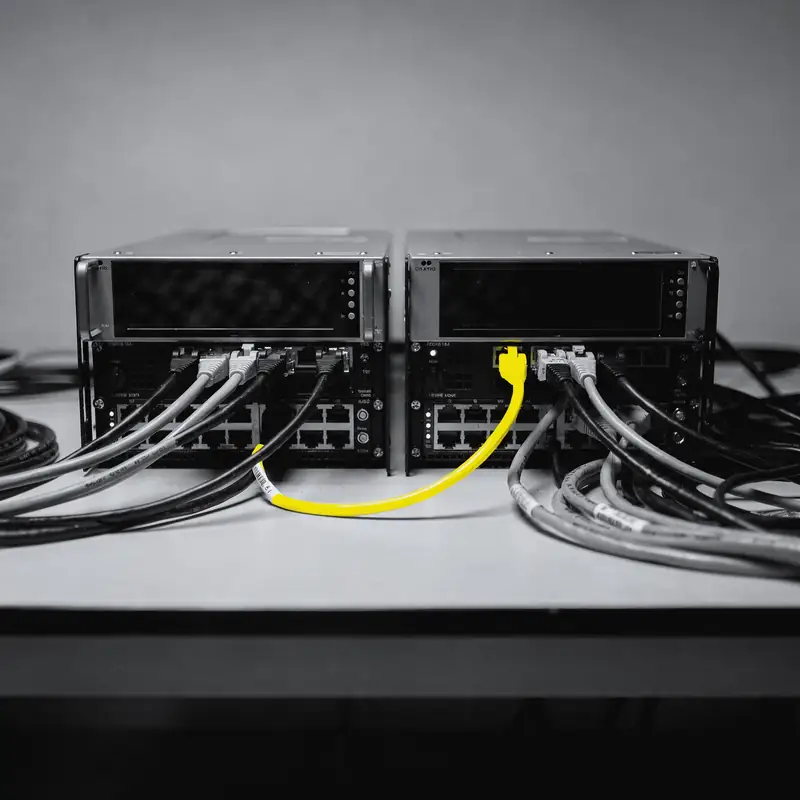
Why ownership comes before any switch.
Every business system hangs off a small number of accounts. Whoever holds the domain registrar login can point your email anywhere. Whoever holds the only Microsoft 365 global admin account can lock everyone else out. Whoever holds the backup console decides whether a restore is possible.
In a lot of small organizations, those accounts were set up years ago by whoever was handy: an office manager, a web designer, a previous IT provider, sometimes on a personal email address. That is rarely anyone’s bad intent. It is convenience that nobody went back to fix.
It matters most during a change of IT provider, which is why this check belongs before any switch. It matters just as much when a long-time employee retires, a vendor closes, or the business is sold. An ownership audit is useful even if you never change providers at all.
The seven things your organization should own.
- The domain registrar account. The registrant should be the organization. The account’s login should use a shared role mailbox rather than one person’s address, plus a backup contact outside the domain, so a lapsed domain cannot take down the only email that could renew it.
- The DNS host. DNS is often hosted somewhere other than the registrar: Cloudflare, a web host, or Microsoft. It controls where your email and website point, so it needs the same care.
- Microsoft 365 or Google Workspace admin. At least two administrator accounts belonging to the organization, one of them an emergency account kept out of daily use.
- The backup vault. The login to the backup service, and the encryption key or passphrase. A backup nobody can decrypt is not a backup.
- Firewall and network admin. Admin access to the firewall, the Wi-Fi and switch management, and the cloud controller account if the network uses one.
- Line-of-business software licenses. The accounting system, practice-management or industry software, and the CRM, registered to the organization with an administrator on staff.
- Documentation and the password vault export. The network diagram, the list of systems and vendors, and the ability to export the credential vault if the organization ever needs to.
How to check each one in ten minutes.
| Account | How to check it | A good answer |
|---|---|---|
| Domain | Look the domain up at lookup.icann.org, note the registrar, then try to sign in there | Someone on staff can sign in, and the registrant is the organization |
| DNS | The same lookup lists the name servers, which tell you who hosts DNS | Someone on staff can sign in to that host |
| Microsoft 365 or Google Workspace | Microsoft 365 admin center, Roles, Global Administrator; or Google Admin console, Account, Admin roles, Super Admin | Two or more admins the organization controls, and no former staff |
| Backups | Ask for the backup console login and who holds the encryption key | The organization can sign in and knows where the key is stored |
| Firewall and network | Note the make and model, and ask who has admin and who owns any cloud controller account | The organization owns the controller account |
| Business software | Check the vendor portal, or call the vendor and ask who the account holder of record is | The organization is the holder, with an admin on staff |
| Documentation | Ask for a current export of the documentation and the password vault | A readable copy arrives within a few days |
The ICANN lookup often shows the registrant’s details as redacted for privacy. That is normal. The registrar’s name and the name servers are still listed, and signing in to the registrar account is the real test: if nobody in the organization can, that is the answer.
How to ask your current provider for them, politely and in writing.
Most IT providers hand this information over without any friction, because it is routine and because a good provider wants the client to hold its own keys. Asking is not an accusation, and it is not the same as announcing a switch. Put it in writing so there is a record, keep the tone neutral, and give a reasonable date. Something like:
We are updating our records of who holds administrative access to our systems. By [date], could you confirm or send: the registrar and DNS accounts for our domains and who they are registered to; the current administrator accounts in our Microsoft 365 tenant; the backup console login and where the encryption key is kept; admin access details for the firewall and network; and a current export of our documentation. Thank you.
When the answers come back, store them somewhere the owner can reach without the provider’s help, and add a reminder to repeat the check next year.
If an ex-employee or a web vendor holds the domain.
Start by asking, in writing. The simplest fix is for the current holder to transfer the domain into a registrar account your organization creates. Most registrars support an account-to-account transfer that changes nothing about how the domain works, so email and the website keep running throughout.
If the holder cannot be reached, contact the registrar. Registrars have a process for an organization to show it is the rightful registrant, usually with business records and evidence of the domain’s use. It takes longer than a friendly transfer, so start early rather than when a renewal is due.
While any of this is under way, make sure the domain stays on auto-renew. A domain that expires can, after its grace and redemption periods, be registered by anyone.
How a handoff works when you switch to Micro-IT.
If you are weighing a switch, the list above is the part most owners dread, and it is the part we take off your plate. We map everything before we touch anything, and we run the handoff with the old provider: the documentation request, the credential transfer, license and domain ownership, and the offboarding email. You don’t have to have the awkward conversation; handling it is our job. The switching page lays out the transition week by week, and our guide on how to switch MSPs covers the decision itself.
Managed Domain is $29 per domain per month and keeps the domain registered to the business, with registration and renewal included. If the check above turned up gaps, or you are dreading the switch conversation, a 20-minute intro call is a low-stakes place to talk it through.
Frequently asked questions.
Who owns my domain if my web designer registered it?
Should our IT provider have global admin access?
What is a break-glass account?
How often should we check account ownership?
Your next step
Reading is the easy part — the gap closes when someone owns it. Book a free 20-minute call and we’ll walk through how this applies to your environment, in plain English.