The short answer.
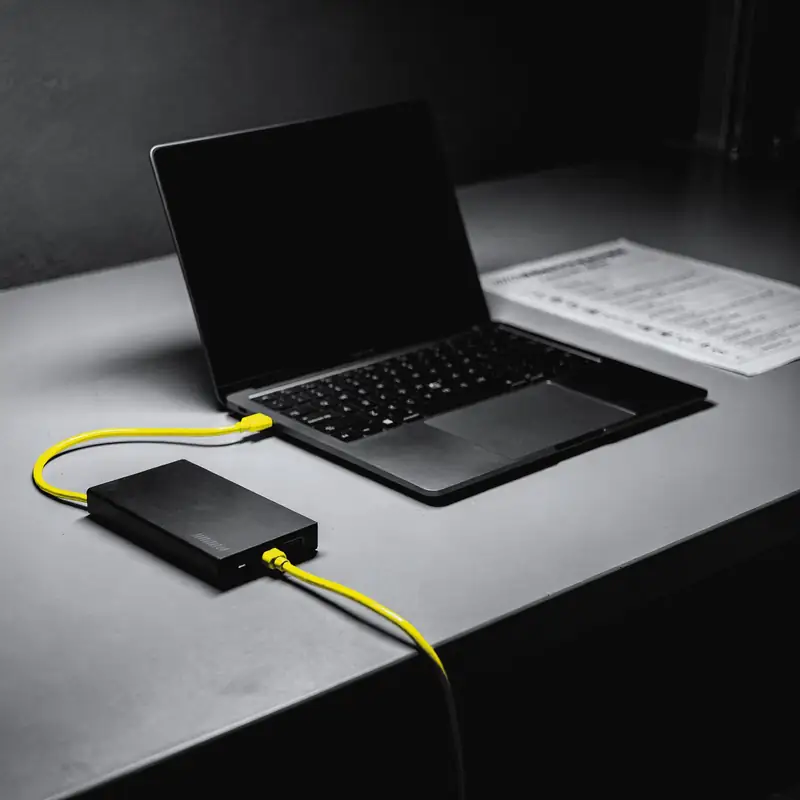
Yes, a remote company with no servers still needs backups. Not having a server means not having a server to back up; it does not mean the work is safe. For a remote team on laptops and Microsoft 365 or Google Workspace, two things need a backup:
- The Microsoft 365 or Google Workspace data. Mail, calendar, contacts and files, backed up every day and held independently of the platform. Microsoft and Google keep the service running, but deleted data has a limited window; does Microsoft back up Microsoft 365? sets out how long.
- Each laptop. An image-level backup, so a dead computer is a restore onto new hardware instead of a rebuild from scratch.
Add any other cloud application that holds data you cannot afford to lose. And whatever you back up, keep the proof that a restore has worked.
What can go wrong without a server.
The risks did not leave with the server room. They moved:
- A mistake. A deleted folder in OneDrive is deleted on every synced device, and a deleted mailbox item is kept only for Microsoft's window.
- A departure. Someone who leaves can delete mail or files on their way out, or turn out to have held the only copy.
- A failed drive. A laptop drive that dies takes everything that was saved only on it, plus the hours it takes to set up a new machine.
- Ransomware. It can encrypt files on a laptop and reach the cloud copy through sync.
What a cyber insurance form asks about backups.
Cyber insurance applications commonly ask two backup questions, and having no servers does not take them off the form:
| The question | What the insurer is really asking | An honest yes, with no servers |
|---|---|---|
| Do you keep backups that are offline, immutable, or otherwise out of reach from your network? | If ransomware reached you, could it delete or encrypt your backups too? | An immutable copy of each laptop and of the Microsoft 365 or Google Workspace data, with a list of what is covered. |
| Do you test backups by restoring data on a schedule? | Have you proven you can get data back, or only that the backup job says it ran? | A dated record of real restores: files, a mailbox, or a whole laptop, and how long each took. |
The cyber insurance questionnaire helper walks through those two questions and the rest of the form, with the proof to keep for each. Micro-IT does not sell insurance; the broker and carrier decide coverage.
One dead laptop from our tickets.
One example: a client's laptop stopped responding to anything, and when its drive was removed it could not be read at all. The laptop had an image-level backup. The first two attempts to start the restored image failed, so a new laptop was bought, the most recent backup was downloaded to it overnight, and in the morning it started up as the person's own computer. The whole job took about six hours of technician time.
Two lessons came out of it. The backup was what turned a drive that could not be read into a working computer. And a restore can fail the first time, which is why restores are tested before the day they are needed, not on it. Backup is the answer; restore is the test covers how to test.
How Micro-IT backs up a remote team.
For a company with no servers, both backups are part of the plans a remote team is already on, with no separate backup fee:
- Each laptop: image-level backup on Managed Endpoint, $79 a device a month, alongside EDR watched by a 24/7 SOC, patching and DNS filtering.
- Microsoft 365 or Google Workspace: a daily SaaS backup on Managed Inbox, $20 a mailbox a month. On Microsoft 365 it covers mail, calendar, contacts and files; on Google Workspace, Gmail, Drive, Calendar and shared drives. It is kept for one year as standard, and longer on request.
Both backups, the laptop images and the Microsoft 365 or Google Workspace backup, are immutable and restore-tested monthly, not just scheduled. A company that keeps a server pays for its backup separately, as Cloud Backup or a Backup Appliance; a company with no servers needs neither. IT for remote companies covers the rest of what a remote team needs from the first day.
If you are filling in an insurance form this month and the backup questions are the ones you cannot answer, bring the form to a 20-minute intro call.
Frequently asked questions.
Does a fully remote company with no servers need backups?
What should a company with no servers back up?
Will a cyber insurance application ask about backups if we have no servers?
If our files are in OneDrive, do we still need to back up the laptop?
What does backup cost for a remote team on Micro-IT's plans?
Your next step
Reading is the easy part — the gap closes when someone owns it. Book a free 20-minute call and we’ll walk through how this applies to your environment, in plain English.